Create professional documents in seconds with AI-powered writing, advanced formatting, and multi-format exports. Your ideas, beautifully structured.
AbWrite is a next-generation, AI-powered document editor built by ToolBoxesAi. It combines the simplicity of a clean writing interface with the power of generative AI — so you can create professional documents faster than ever before.
Everything you need to create, edit, and export professional documents — all in one place.
Describe what you need — AbWrite generates professional documents with headings, tables, and formatting instantly.
Brainstorm, rewrite, expand, summarize, or fix grammar with a built-in context-aware AI writing companion.
Export to PDF, DOCX, DOC, RTF, EPUB 3.0, HTML, Markdown, or Plain Text — all with one click.
Import from DOCX, PDF, PPTX, Markdown, HTML, or TXT. Your existing work flows right in.
Resizable tables with merge/split cells, header rows, and full formatting support inside cells.
Drag-and-drop images, paste from clipboard, and resize inline with intuitive controls.
20+ professional templates across Business, Academic, Personal, and Professional categories.
Your work saves locally in real-time and syncs to the cloud every 2 minutes. Never lose a word.
A4, Letter, and Legal page sizes with adjustable margins and portrait/landscape orientation.
Curated collection across 6 categories — Serif, Sans, Display, Handwriting, Monospace, and more.
Dictate your content using browser-native speech recognition. Write hands-free.
Full shortcut support including Markdown-style formatting. Power users feel right at home.
Share any document via a secure link. Recipients can view, edit, and export — while you retain full control to revoke access at any time from your privacy dashboard.
Lock your exported PDFs with a password. Restrict unauthorized access to sensitive documents — ideal for contracts, reports, and confidential files.
Add custom text watermarks to your PDF exports. Brand your documents, mark them as drafts, or label them confidential — fully customizable placement and styling.

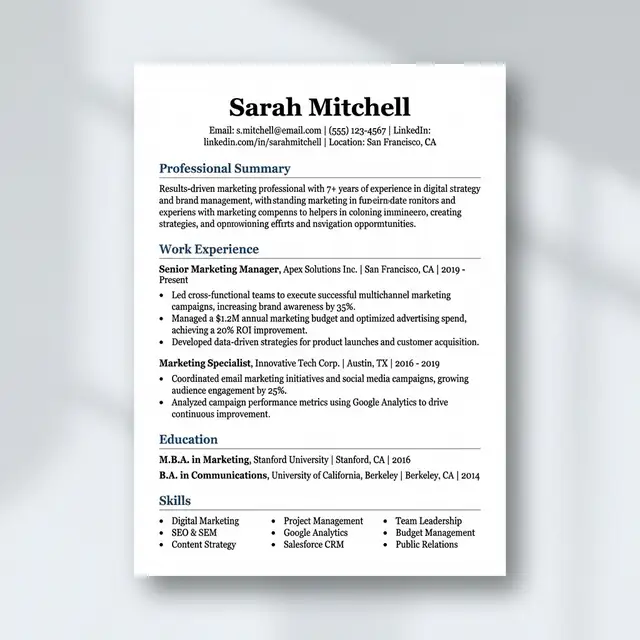
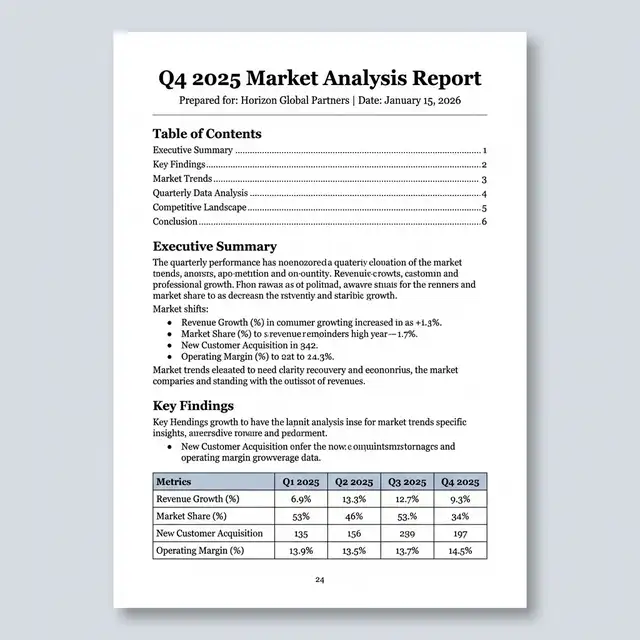
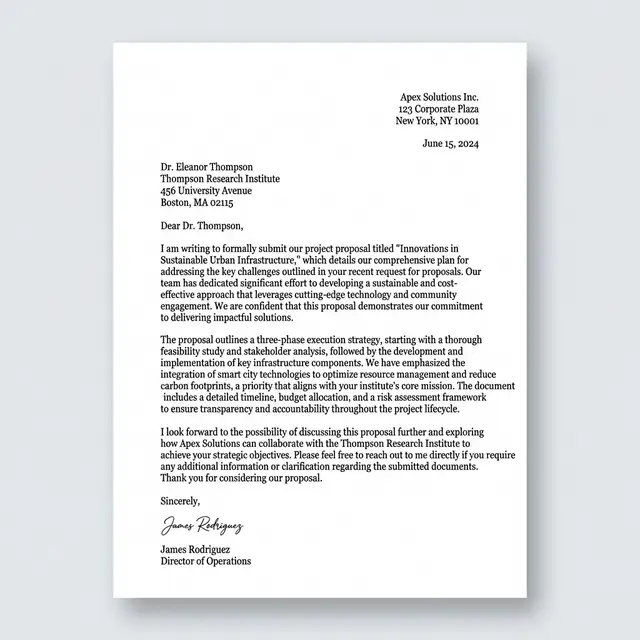
Real PDF exports from AbWrite — professional layouts, pixel-perfect typography, and multi-format precision.
Clean, modern layout with structured sections — generated from a template in seconds.
Data tables, TOC, and formatted sections — exported as a polished, shareable PDF.
Properly formatted correspondence with Georgia serif — ready to print or email.
Whether you're writing an essay, a business proposal, or a creative piece — AbWrite adapts to you.
Write essays, research papers, and theses with AI assistance and proper formatting.
Draft articles, stories, and blog posts with brainstorming, rewriting, and tone adjustment.
Create reports, proposals, resumes and presentations with templates and multi-format export.
Generate invoices, contracts, and marketing copy. Professional output without the learning curve.
No sign-up, no download. Just click and start writing in your browser.
Type manually, use AI to generate, or import an existing document to continue editing.
Download as PDF, DOCX, EPUB, HTML, Markdown, or plain text. Done.
AbWrite is free to use during the preview period — no sign-up, no credit card. After the preview, we'll offer an affordable subscription to cover AI and server costs. ToolBoxesAi is committed to keeping tools accessible.
Start Writing NowYes! AbWrite is currently free during the preview period — no sign-up required. After the preview, it will transition to an affordable subscription to cover AI and server costs. ToolBoxesAi is committed to keeping tools accessible.
Your documents are saved locally in your browser and synced to secure cloud storage. We never share or sell your data. Documents remain yours.
AbWrite uses advanced AI models to help you write. In Chat mode, ask questions or request edits. In Document mode, describe what you need and AbWrite generates a fully formatted document with headings, tables, and sections.
AbWrite supports exporting to PDF, DOCX, DOC, RTF, EPUB 3.0, HTML, Markdown, and Plain Text. You can also import from DOCX, PDF, PPTX, Markdown, HTML, and TXT files.
Yes! AbWrite is fully responsive and works on tablets and mobile devices. The interface adapts to your screen size for a comfortable editing experience on any device.
AbWrite saves your work locally in real-time, so you won't lose progress if you go offline. However, AI features and cloud sync require an internet connection.
Click the share icon on any document to generate a secure, unique link. Anyone with the link can view, edit, and export the document. You retain full control — manage all your shared links from Settings → Shared Documents, where you can copy or revoke access instantly. Revoking a link permanently disables it, ensuring your privacy.